
Skip to content
Tech Tips Now

TechTipsNow – Tips, News, Tricks, and Error Fixing.

  • News
    • Updates & Patch Note
  • How To
  • Opinions
  • Firmware
    • Device Type
      • Phone
      • TV
      • Others
  • Guide
  • Keyboard Shortcuts
  • How to Fix
  • About Us
    • Contact Us
    • Privacy Policy

Home » PS4

Tag: PS4

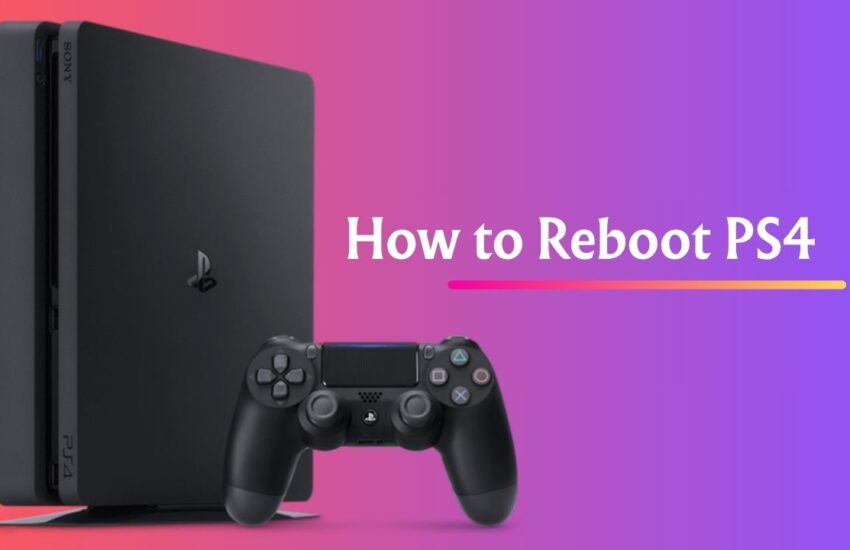
How to Reboot PS4
July 21, 2025 Guide

How to Reboot PS4 Easily & Fix 6 Very Common but Big Problems

Whether your PS4 is slowing down, crashing mid-game, or just acting weird, sometimes all it needs is a good reboot.

Continue reading
How to fix a PS4 That Won’t Charge
January 29, 2024 How to Fix

How to fix a PS4 That Won’t Charge [6 Simple Ways]

Are you stressed about the issue that PS4 won’t charge? If yes, then you’re at the right place where you

Continue reading

fix Stan Error Code A20
October 17, 2023 How to Fix

Stan Error Code A20 [What Does It Say, and How To Fix it]

Stan error code A20 may stop your streaming, and to get your streaming back, you need to resolve this error.

Continue reading

Cannot Connect to the Server to Verify the License on PS4
June 13, 2023 How to Fix

Fix: Cannot Connect to the Server to Verify the License on PS4

Are You Seeing the PS4 “Cannot Verify License” Error? Are you interested to know the reasons and solutions? Keep reading

Continue reading
How to Fix PS4 Cannot use content Error
June 13, 2023 How to Fix

How to Fix PS4 Cannot use content Error [Easy Ways]

Are you facing PS4 “Cannot use content” error? Keep reading this guide to know what this error means and how

Continue reading

How to Fix PS4 Error Code NP-34958-9
June 12, 2023 How to Fix

PS4 Error Code NP-34958-9 [Easy Ways To Fix]

PS4 Error Code NP-34958-9 “An error has occurred” implies connectivity failure to your console with the PSN (PlayStation Network). The

Continue reading
How to Fix PS4 Error Code NP-34954-5
June 12, 2023 How to Fix

NP-34954-5 Error Code on PS4 [Fix in Minutes]

Is “NP-34954-5 Error Code on PS4” bothering you like many other players? Keep reading this guide to learn about it

Continue reading

Latest Posts

  • Your Device Ran Into a Problem and Couldn’t Be Repaired
  • Fix “You Require Permission From System to Make Changes to This Folder” in Windows 11/10
  • How to Add Grammarly to Microsoft Word [Windows & Mac]
  • Display Stuck at 1024×768 in Windows 11/10
  • How to Change Virtual Memory (Paging File) in Windows 11
  • Background Intelligent Transfer Service (BITS) in Windows: Everything You Need to Know
  • DISM /Online /Cleanup-Image /RestoreHealth [Guide]
  • VMware Unlocker for PC (macOS): Download & Use
  • How to Get Help in Windows 11? [10 Ways]
  • Set Your Preferred Default Printer in Windows 11 or 10

DMCA.com Protection Status

Note: All Tradmarks and Logos are used on this website for information purpose only.

Rights Reserved |2020-2026|@ Tech Tips Now