Skip to content
Tech Tips Now

TechTipsNow – Tips, News, Tricks, and Error Fixing.

  • News
    • Updates & Patch Note
  • How To
  • Opinions
  • Firmware
    • Device Type
      • Phone
      • TV
      • Others
  • Guide
  • Keyboard Shortcuts
  • How to Fix
  • About Us
    • Contact Us
    • Privacy Policy

Home » How to Fix » Page 26

Category: How to Fix

How to Fix 'Outlook Emails Going to Trash' Issue
March 27, 2026 How to Fix

How to Fix ‘Outlook Emails Going to Trash’ Issue [Complete Guide]

If your emails in Outlook are mysteriously disappearing into the Trash folder, you are not alone. Whether you are using

Continue reading
Fix 'You Can't Access this Shared Folder' in Windows 11
March 26, 2026 How to Fix

Fix ‘You Can’t Access this Shared Folder’ in Windows 11 [Complete Guide]

If you’ve ever tried to open a shared folder on your network and been greeted with the frustrating message “You

Continue reading
Fix “PowerPoint Slides Not Printing Full Page” in Windows 11
March 26, 2026 How to Fix

Fix “PowerPoint Slides Not Printing Full Page” in Windows 11

When PowerPoint does not print slides to fill the page, it usually means there is a mismatch between the slide

Continue reading
Fix 'Your Printer is Offline' in Windows 11
March 26, 2026 How to Fix

Fix ‘Your Printer is Offline’ in Windows 11 [Complete Guide]

When Windows shows “printer offline,” it usually means your system cannot communicate with the printer. This can happen due to

Continue reading
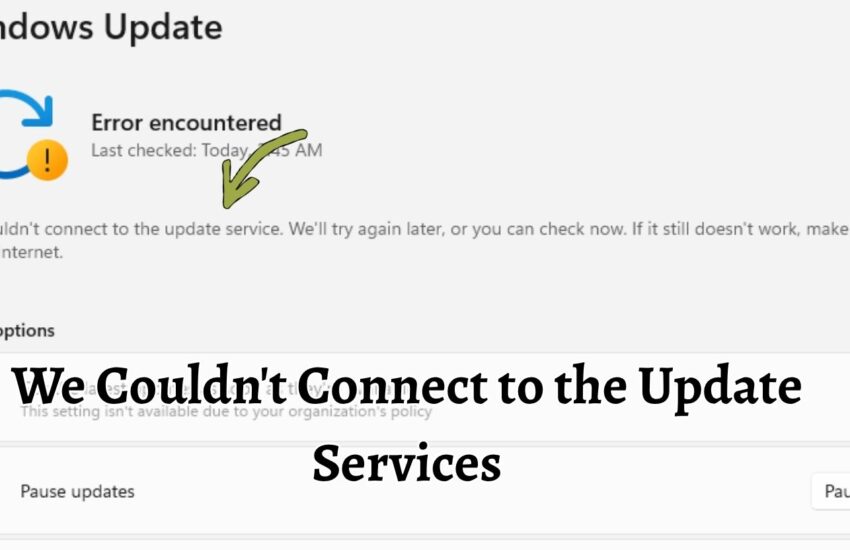
We Couldn't Connect to the Update Services
March 25, 2026 How to Fix

We Couldn’t Connect to the Update Services on WIndows 11 or 10

Running into the message “We Couldn’t Connect to the Update Services” can feel frustrating, especially when you’re just trying to

Continue reading
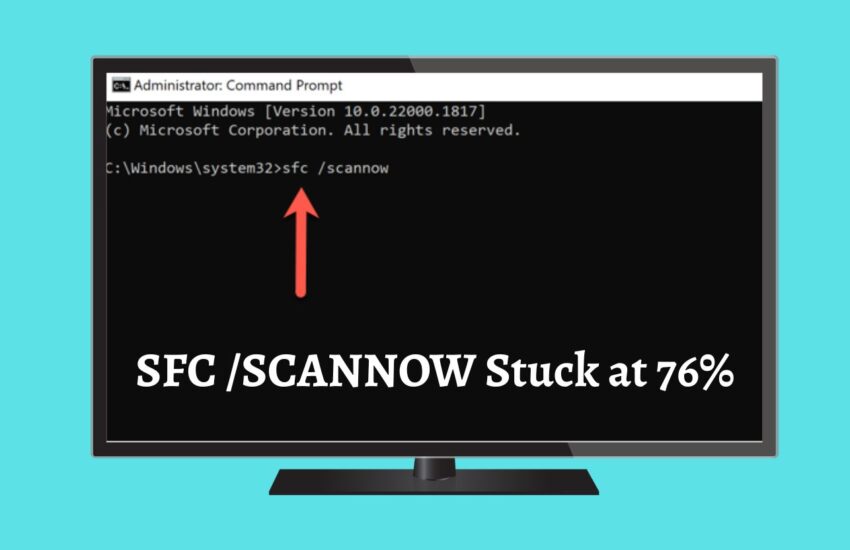
fix SFC SCANNOW stuck at 76% indefinitely in Windows 10 or 11
March 25, 2026 How to Fix

How to fix SFC /SCANNOW Stuck at 76% indefinitely in Windows 10/11

If you’ve ever run the ‘SFC /SCANNOW’ command to repair corrupted system files in Windows 10 or Windows 11, you

Continue reading

Opera GX Browser Keeps Crashing on Startup Fix
March 24, 2026 How to Fix

Fix: Opera GX Browser Keeps Crashing on Startup

If you love gaming-focused features, customization, and performance controls, Opera GX is probably your go-to browser. But nothing kills the

Continue reading
Fix We Can't Find Your Camera in Windows 11
March 23, 2026 How to Fix

Fix “We Can’t Find Your Camera” in Windows 11 [Easy Steps]

When Windows shows the “We Can’t Find Your Camera” error, it usually displays a code such as 0xA00F4244. This code

Continue reading
Wacom Pen Not Working
March 2, 2026 How to Fix

Fix “Wacom Pen Not Working” Issue

If your Wacom pen suddenly stops working, restart your computer, check the USB or Bluetooth connection, restart the Wacom Tablet

Continue reading
Apple Music Error 7506
March 2, 2026 How to Fix

Apple Music Error 7506 [Fix]

If you are seeing Apple Music Error 7506, it usually means the app is unable to properly communicate with Apple’s

Continue reading
Clipchamp Text to Speech Not Working [Fix]
February 27, 2026 How to Fix

Clipchamp Text to Speech Not Working [Fix]

If Clipchamp text-to-speech is not working, check your internet connection, refresh the project, clear browser cache, update your browser or

Continue reading
Roblox Shift Lock Not Working How to Fix
February 27, 2026 How to Fix

Roblox Shift Lock Not Working? Here’s How to Fix it

If you play competitive experiences on Roblox, you already know how important camera control can be. The Shift Lock feature

Continue reading

Posts pagination

«Previous Posts 1 … 24 25 26 27 28 … 88 Next Posts»

Latest Posts

  • 8 Best Wi-Fi Signal Management Devices for Home & Office in 2026
  • How to View All Unread Emails on Yahoo
  • Windows Security App White Screen in Windows 11 [Fix]
  • What Is the AppData Folder in Windows and How to Clean It Up? [Complete Guide]
  • Steam Games Black Screen on Launch: How to Fix It
  • Restricting Logon Hours for Active Directory Users in Windows [Guide]
  • How to Use Sysprep in Windows 11
  • Fix ‘Sound, Video and Game Controllers Not Showing’ in Windows 11/10
  • Disable or Enable Windows Update Automatically [Complete Guide]
  • Access BitLocker Recovery Keys in Active Directory [Guide]

DMCA.com Protection Status

Note: All Tradmarks and Logos are used on this website for information purpose only.

Rights Reserved |2020-2026|@ Tech Tips Now