
Private DNS in Windows 11 usually refers to configuring a custom DNS resolver and, when supported, protecting DNS requests with
Continue reading
Using technology without any “How to” is like you’re not using it properly.
Many questions must come to your mind because when you question, you get some additional knowledge that is not in your database (Mind).
This category is dedicated to all the tech lovers and users out there who have lots of questions in their mind but haven’t found proper answers.
If you have landed in this category, it means you are also looking for an answer.
We hope you’ll find yours!
Private DNS in Windows 11 usually refers to configuring a custom DNS resolver and, when supported, protecting DNS requests with
Continue reading
Turning off noise suppression in Microsoft Teams is useful when Teams is removing background sounds that you actually want other
Continue reading
If you have a spreadsheet full of addresses, business locations, customer sites, travel destinations, or other places, entering every location
Continue reading
A memory stick, also called a USB flash drive or USB drive, is one of the easiest ways to move
Continue reading
Your laptop’s touchpad should work the moment you sign in to Windows, but that is not always the case. A
Continue reading
When your Wi-Fi connection is unavailable, unreliable, or simply too slow, your smartphone can give your Windows PC a quick
Continue reading
A Facebook Page ID is a unique number associated with a Facebook Page. It is different from your Page name,
Continue reading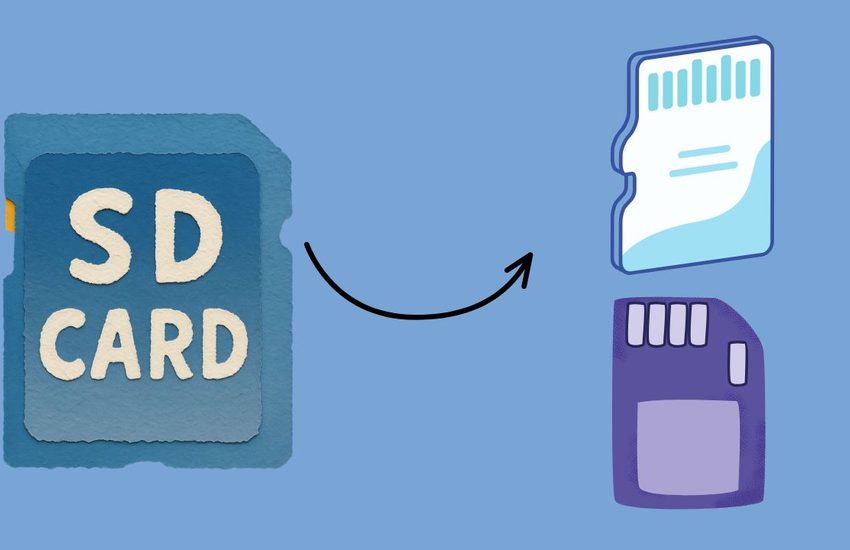
Partitioning an SD card can help you organize storage for different purposes, but the process varies considerably between platforms. On
Continue reading
An SD card makes it easy to move photos, videos, documents, and other files between your computer and devices. However,
Continue reading![Set Your Computer to Boot from a USB Flash Drive [Windows & macOS]](https://tech-tips-now.com/wp-content/uploads/2026/08/Set-Your-Computer-to-Boot-from-a-USB-Flash-Drive-Windows-macOS-1-850x550.jpg)
Need to start your computer from a USB flash drive instead of the internal hard drive? Whether you are installing
Continue reading
Knowing how much battery life is left on your Beats headphones can save you from an unexpected shutdown when you
Continue reading
Want Windows to handle certain tasks automatically instead of doing them yourself every time? That is exactly where Task Scheduler
Continue reading